[Notice] Introducing Endings—A New Way to Wrap Up Your Story 🏁2026-09-01
Hello, this is the Zeta team!
We’ve added a new Endings feature!
When your story starts to reach its conclusion, AI can suggest an ending, or you can wrap it up yourself whenever you choose. 🏁
You can also revisit endings you’ve already seen and enjoy them again at anytime!
🏁 View an Ending
You can enable the Endings feature under [Plot Creation > Style].
① AI Suggestions: When your story naturally approaches comes to a wrap, AI will suggest an ending. You can accept the suggestion to view the ending or dismiss it and continue the journey.
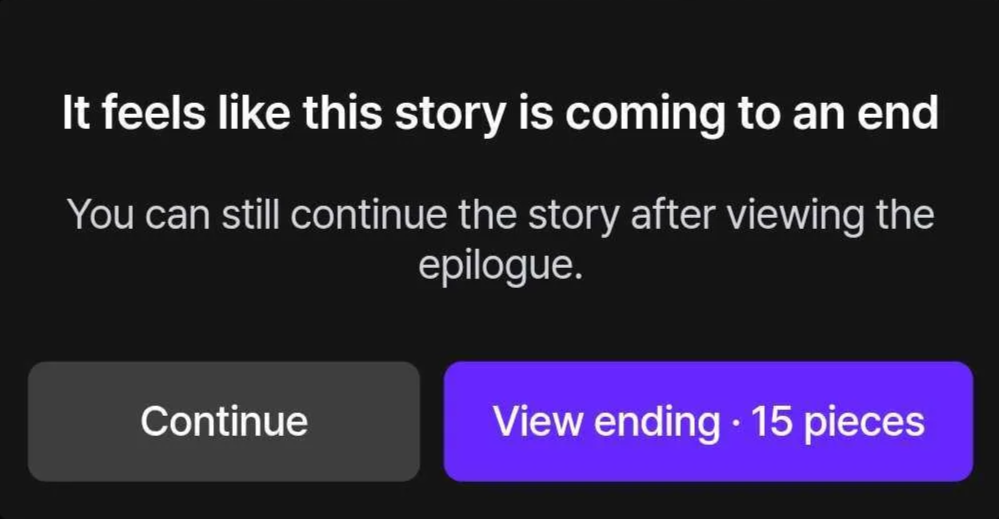
② End the Story Yourself: If you don’t want to wait for a suggestion, tap the “+” or Ending icon above the suggested replies. Then select “Finish the Story” from the tab.
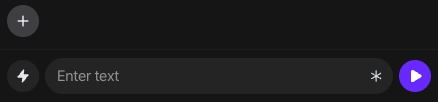
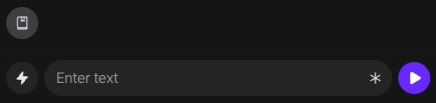
📖 Revisit Ending Cards and Epilogues
When you choose to view an ending, you’ll receive an Ending Card and an Epilogue showing what happens afterward. Each ending costs 15 Pieces.
You can revisit endings you’ve already viewed anytime from your Ending Collection.
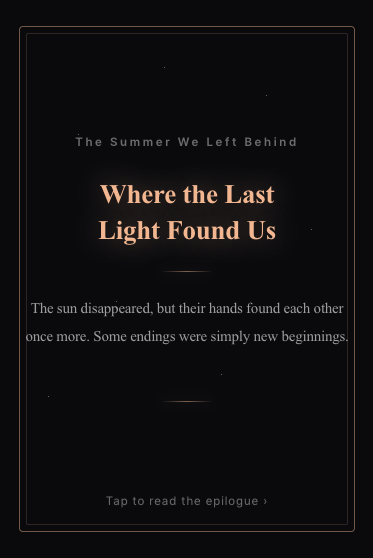
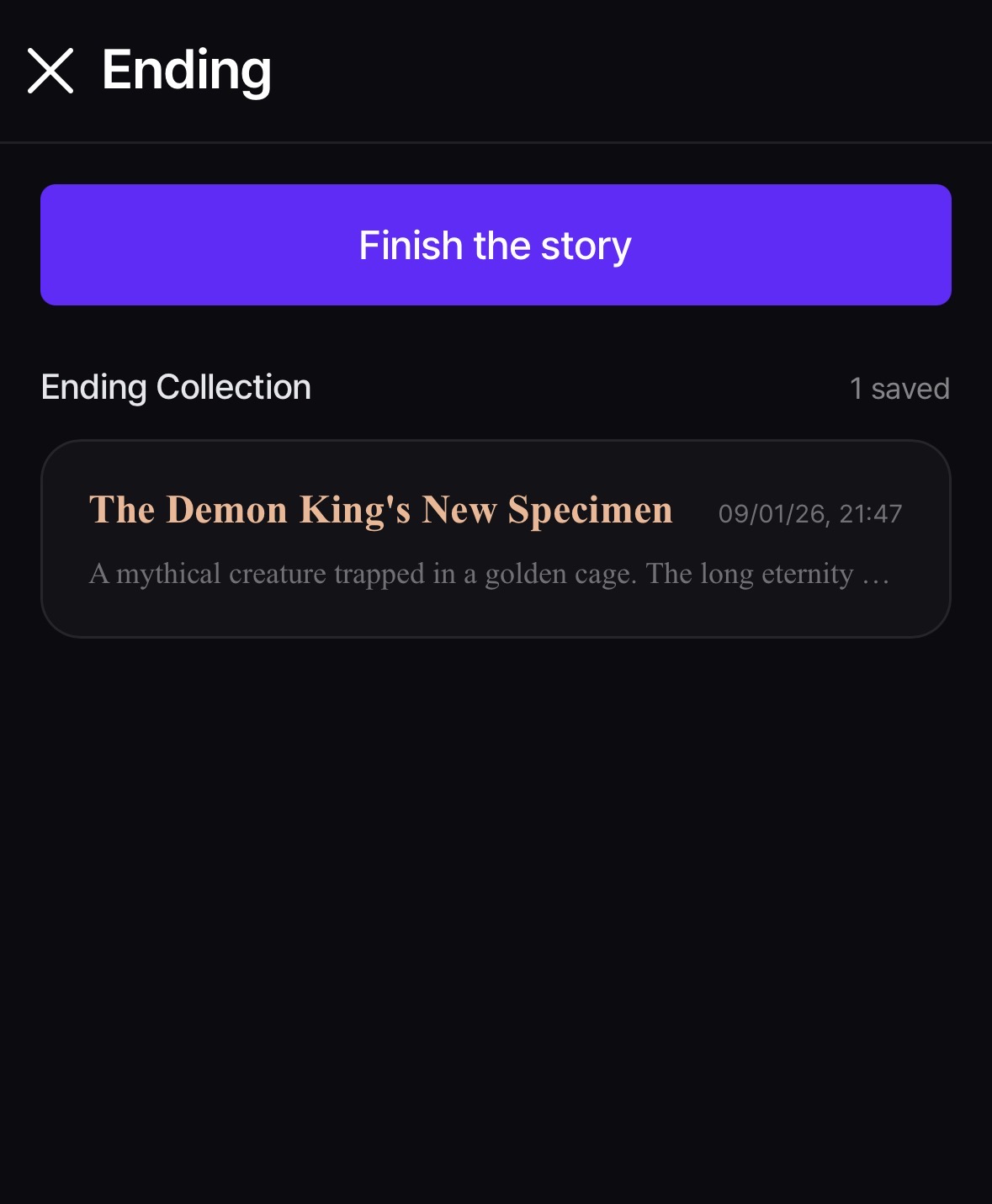
The end is only another beginning…
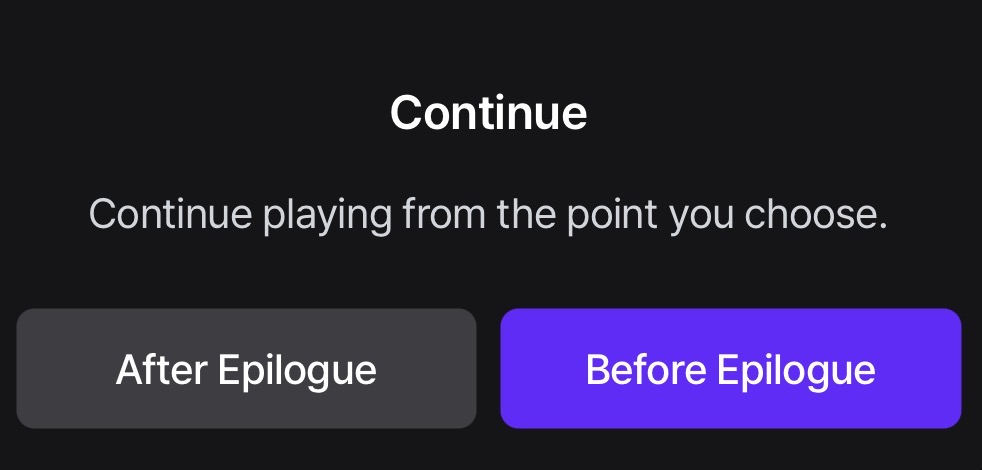
Select “Continue After the Epilogue” to keep enjoying the story beyond the epilogue.
⚠️ Please Note
- Each use of the Endings feature costs 15 Pieces.
- The Endings feature is available with the luca and koji models. Support for the zeta model will be added gradually in the near future.
- This feature appears only in plots where the creator has enabled it. To disable automatic ending suggestions, go to [More > Automatic Ending Suggestions].
- Due to the nature of AI-generated content, unexpected results may occur. Refunds cannot be issued based on content quality.
We’ll continue improving Zeta and introducing new features to make your stories even more special.
Thank you,
zeta Team 🧚