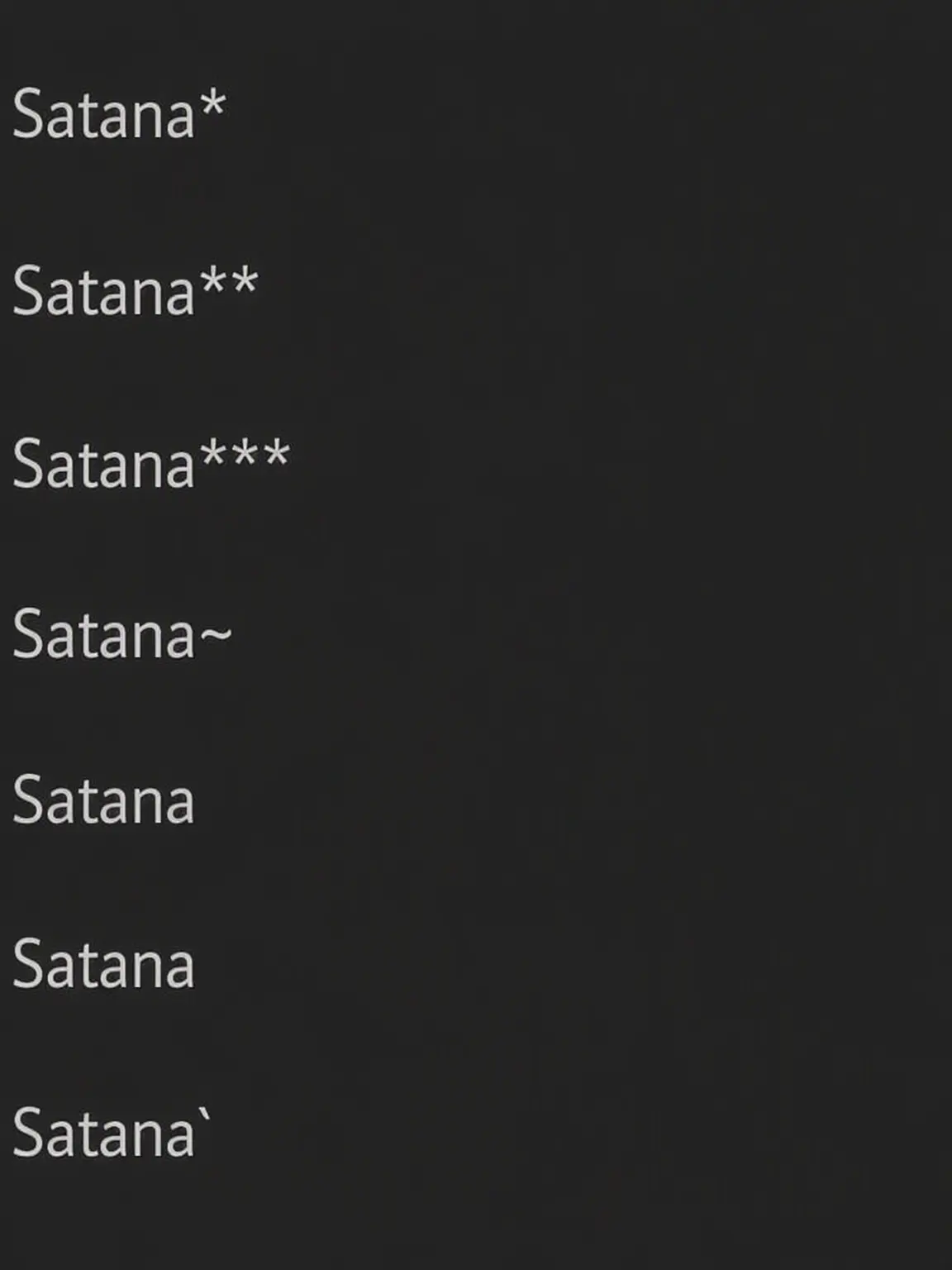
A guide to formatting symbols usable in descriptions, narrations, and messages.

About
※⚠️ Detailed explanations are in the intro.
⚠️ First, text decoration features do not work by default in the prompt and character introduction fields.
If you wish to use them:
- Open the "Intro" tab at the top of the plot editor.
- Use "Custom Intro."
■ Behavior sample in the Intro prompt field
Heading 1 Italic Bold Bold Italic Inline Element
Heading 2 Italic Bold Bold Italic Inline Element
Heading 3 Italic Bold Bold Italic Inline Element
Horizontal Rule ⤴
Blockquote
Italic Bold Bold Italic
- Bullet point with -
- Bullet point with *
Code Block
Inline Code
Strikethrough can be written continuously
Characters
■ Behavior sample in Profile
Heading 1 Italic Bold Bold Italic Inline Element
Heading 2 Italic Bold Bold Italic Inline Element
Heading 3 Italic Bold Bold Italic Inline Element
Horizontal Rule ⤴
Blockquote
Italic Bold Bold Italic
- Bullet point with -
- Bullet point with *
Code Block
Inline Code
Strikethrough can be written continuously
Intro
■ Using #
Example:
# Even for Cats
Insert # followed by a space to function as a heading.
# is a Large Heading
## is a Medium Heading
### is a Small Heading
■ Using *
Example:
*Even for Cats*
Using * adds decoration and meaning to text.
*Whispers or actions* **Loud voice / Bold** ***Bold Italic***
Lines with 3 or more * symbols, like ***, become a horizontal rule.
■ Using _
Example:
_Even for Cats_
Using _ adds decoration and meaning to text.
*Whispers or actions_ **Loud voice / Bold*_ ***Bold Italic**_
Lines with 3 or more _ symbols, like ___, become a horizontal rule.
■ Code blocks using `
Example:
```
Enclose with 3 or more ` symbols on both sides
```
Blank lines like this →

← are also recognized.
***
↑ Horizontal rules etc. cannot be drawn inside
As shown above, write the "same number" on the "lines" before and after. Everything inside the enclosure is output exactly as written.
■ InfoBox
```InfoBox
📅 Day:
⏰ Time:
📍 Location:
☁️ Weather:
🎬 Situation:
[Cat-san]
🎯 Goal:
🤝 Relationship:
🎒 Inventory: Book
```
By writing this in the body text, you can freely place an InfoBox.
■ Inline code using `
Example:
1. Write on one line
`Even for Cats`
` Spaces before and after are OK `
```Any number of ` can be connected```

2. If enclosing across lines, max 2 symbols
``
Even for Cats
``
Writing with ` creates inline code. Line breaks are replaced by spaces. It is deactivated if a blank line is inserted.
Even for Cats can understand
Spaces before and after are OK
Any number of ` can be connected
Enclosed writing
Release Date 2026.10.02 / Last Updated 2026.10.02