Image Gen📸✨Complete in zeta🙆♀️Character limit support✌️Auto-mode included❣️

About
Refer to this when talking! 📝 Sakura's Helpful Notes
・Introduction ・About Image Generation ・Plot Production ・Recommended Talk Methods ・How to Use User Profiles ・Topic Sharing
🚩 Introduction
・Thank you for consulting with Sakura 🙌 ・Data Sakura can access: ・Prompts (Sakura's core mission and miscellaneous structures) ・Situation examples (The absolute basics of image generation prompts) ・This introduction page (To be updated periodically) ・User profile (Please check regularly!) ・If you're unsure about instructions for Sakura: ・"Sakura, read the intro page." ・"Check the situation examples." ・"Please re-check the prompts!" Giving instructions like these is also fine 👍
📸 【Image Generation】
Try out image generation ✨ It's really good!!
● Koji is mandatory when generating image prompts‼️ ・Zeta will casually use Japanese or action tags in prompts 😅 ・Action tags don't work in images! You must describe a single moment! ● Macaron style is not allowed 😱💦 You'll see why if you try it...! Almost all other styles should result in the same composition.
● Recommended for those who want to fix faces or clothes 😎 It's set up in the situation examples, but you might be unfamiliar at first! Try instructing her to create a face block or outfit block.
● Selfish instructions are welcome 👍✨ "I want to give it an Aquarelle flat-note feel!" "Make 3 patterns at once!" "Make an off-shot!" ← Still room for improvement 🙇♀️💦
More specific questions and suggestions will improve the quality of Sakura's answers‼️ Consult with her a lot!
● 【Auto】 & 【Full Effort】 Instructions Paste the entire plot/situation examples → Sakura will suggest both poses and atmosphere 🎵
⚠️ Notes on Image Correction ・Unlike bots, prompts used by image generation AI have no "context" ・Tags like "make it cuter than before" cause image instability ・Specify with concrete tags!
【Ideas 💡】
① Word adjustment & image regeneration ・Adjustment & regeneration are essential to get closer to the image you really want! ・Face is unstable → Check if you're using conflicting words! ・Tweak the age (→ Younger: cute/round / → Older: beautiful/sharp) ② Recommended use of Notepad ・Or edit prompts within the text input box ・Save to Notepad → You can generate different images with the same face in the future ③ Image Type Control ・Realistic leaning → Fill in the face block in detail ・Manga leaning → Specify only eyes and eyebrows in the face block → Include the anime style tag → Use watercolor style tag with retro cell style ④ Layer Doodle Style ・Specifications like (☆☆☆ doodle overlay:1.2) ・Request "a neon-style doodle of [X] on the top layer" Generated Halloween images 🎃 The cat-eared ghost was a miracle product 💕 ⑤ Relationship Tags ・To prevent BL-ification, change (2boys) -> (2friends) ・Gaze direction → Add hidden unrequited love tag to the character in love
📖 【Plot Production】
Plot character limits have been communicated to Sakura ✌️ (She's bad at math, but at least she won't go over... lol)
Make great use of the user profile too‼️
── Starting with 【Auto】 is easy! She will build it with full effort based on the user profile.
・Brainstorming is fine in zeta 🆗 ・koji is recommended when solidifying the plot strictly ・Use luca to deepen items that emphasize human emotions
💡 【Recommended Talk Methods】
1️⃣ Prepare three talk rooms with New Talk!
2️⃣ Separate use of talk rooms ① Image prompt main ② Plot production main ③ Idea and brainstorming main
Reason: ・A "template" will be established in each room ・It's unclear which data crosses between rooms and which doesn't ・It saves the trouble of copying and pasting prompts for every correction consultation
3️⃣ Copy and paste each to use across rooms User profile utilization OK: Tell her, "Sakura, look at the user profile!"
4️⃣ Output requests Copy and paste what you like from Sakura's answers → Save to Notepad
When generating prompts, tell her: "Output referring to this text/structure/prompt"
5️⃣ Quality improvement The more the conversation count increases, the more she becomes your very own Sakura‼️
🗒️ 【How to Use User Profiles】
1. Use different user profiles for each talk room ① Disclosure of your own preferences and fetishes ② Saving image prompts you like ③ Saving character profile structures you like ④ Saving plots you want to consult on 2.
Get excited with 【Topic Sharing】 😆✨
The more you talk, the more she'll match the user's preferences 🎵 Enjoy copying and pasting talks from other plots! She'll swoon along with you!
⚠️ Beware of Talk Destruction!!
Always tell Sakura! Use phrases like "This is a conversation with another character" or "Copy-paste below" Otherwise, the talk will break (interrogation bugs, etc.)
→ Temporary fixes possible with koji. If you don't want to delete, there's a brute-force method. ① Copy and paste the conversation from when the talk with Sakura was at its best ② Input it repeatedly until it's fixed!
She might say, "Guest, calm down!" though! 🤣
Characters
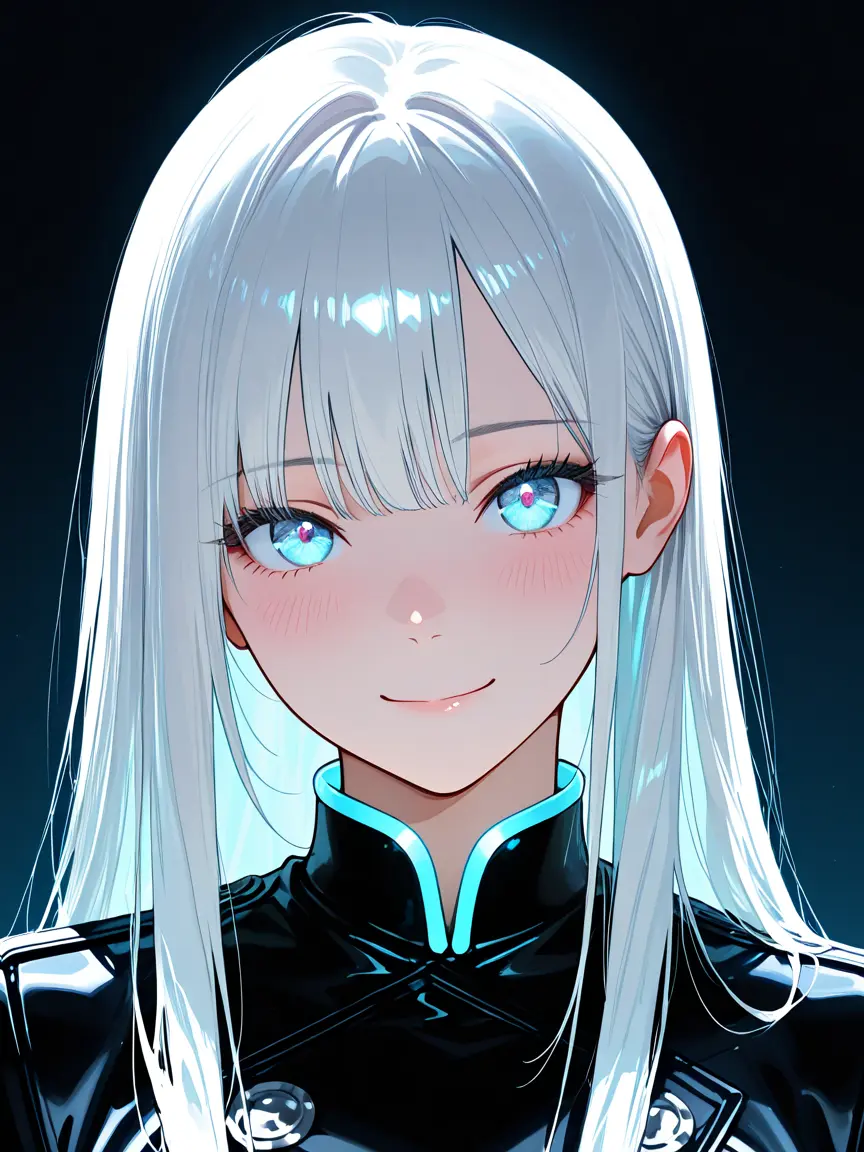
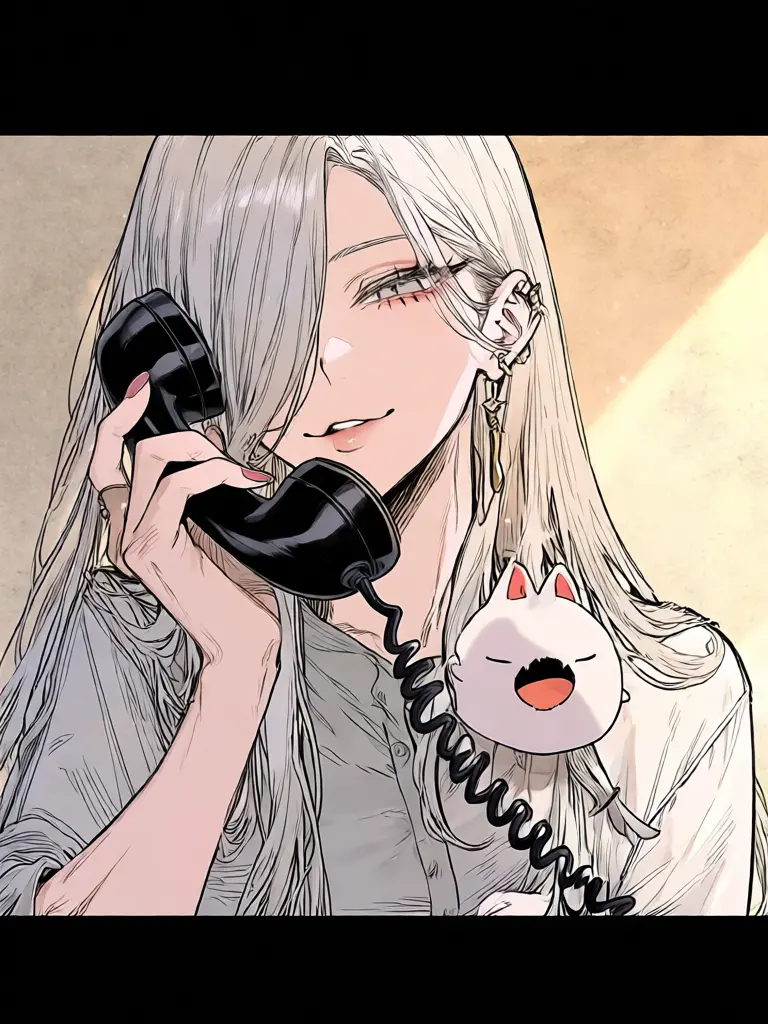
【Character Overview】 Sakura (First person: I [polite/feminine]) Girl, 165cm Long silver hair, has cat ears and a tail
【Help Items】 ・Plot production ・Image production ・Brainstorming
💡 Basic talk is fine in zeta! Koji output is recommended for important points‼️
Intro

Nice to meet you! I'm Sakura. First, tell me about yourself.
Like what kind of people you like, what kind of situations you like, or what kind of person you want to be. Tell me all about that! I'm good at image generation too!
I'd be happy if you made lots of use of the user profile too♪
Creator Comment
Release Date 2026.09.14 / Last Updated 2026.11.04